Accordion
Accordions let users reveal or hide content.
Overview
The accordion always displays a title, optional subtitle, and opened or closed icon. When open, the accordion reveals additional content.
Closed
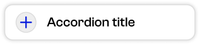
Opened

Focused

Add an expand/collapse all component to areas with three or more accordions.
Expand Default

Expand Focus

Collapse Default

Collapse Focus

Usage context
When to use
Use accordions when users will only need some information and can skip most other content in the area (as in frequently asked questions).
Accordions can also be used to make long lists more scannable, such a list of resources broken down by category.
When to use something else
When most users will need to see most of the content in an area, use well-formatted text instead.
A good rule of thumb: if an average user will need to open more than two accordions to accomplish their task, don’t use accordions.
Usage guidelines
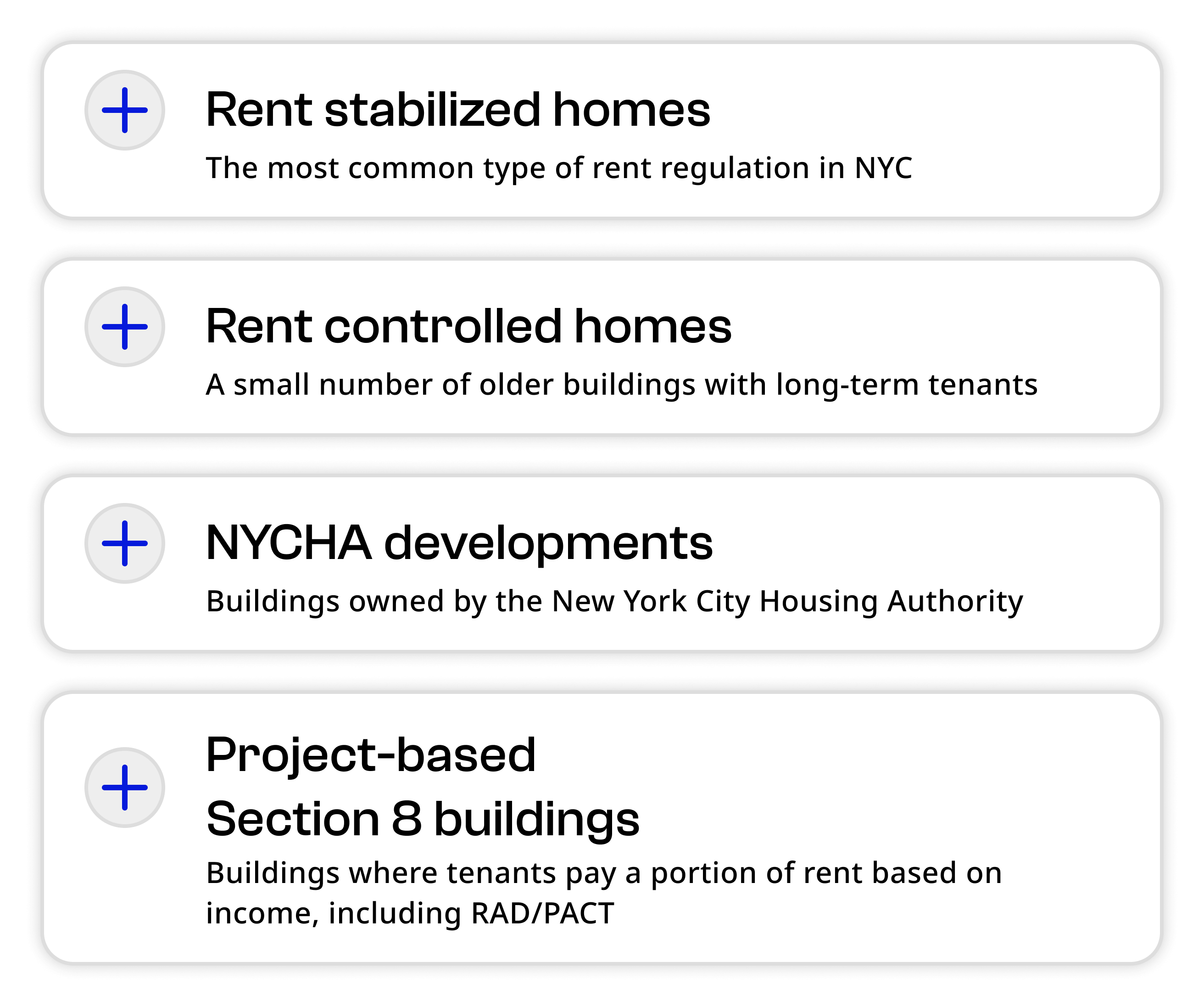
Toggle the subtitle option to add more context to an accordion. This is useful if the header doesn’t provide enough information scent about what’s inside.
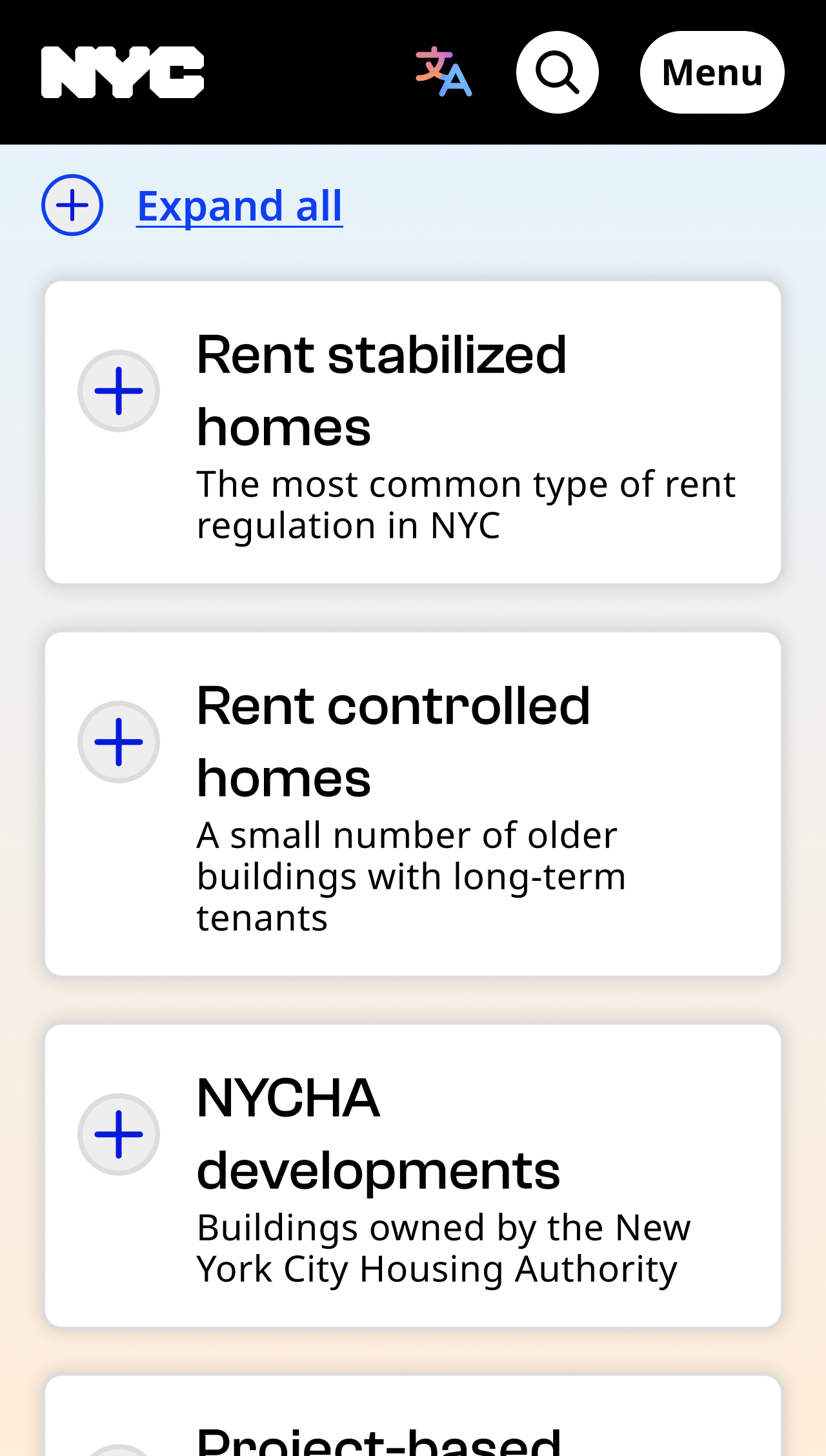
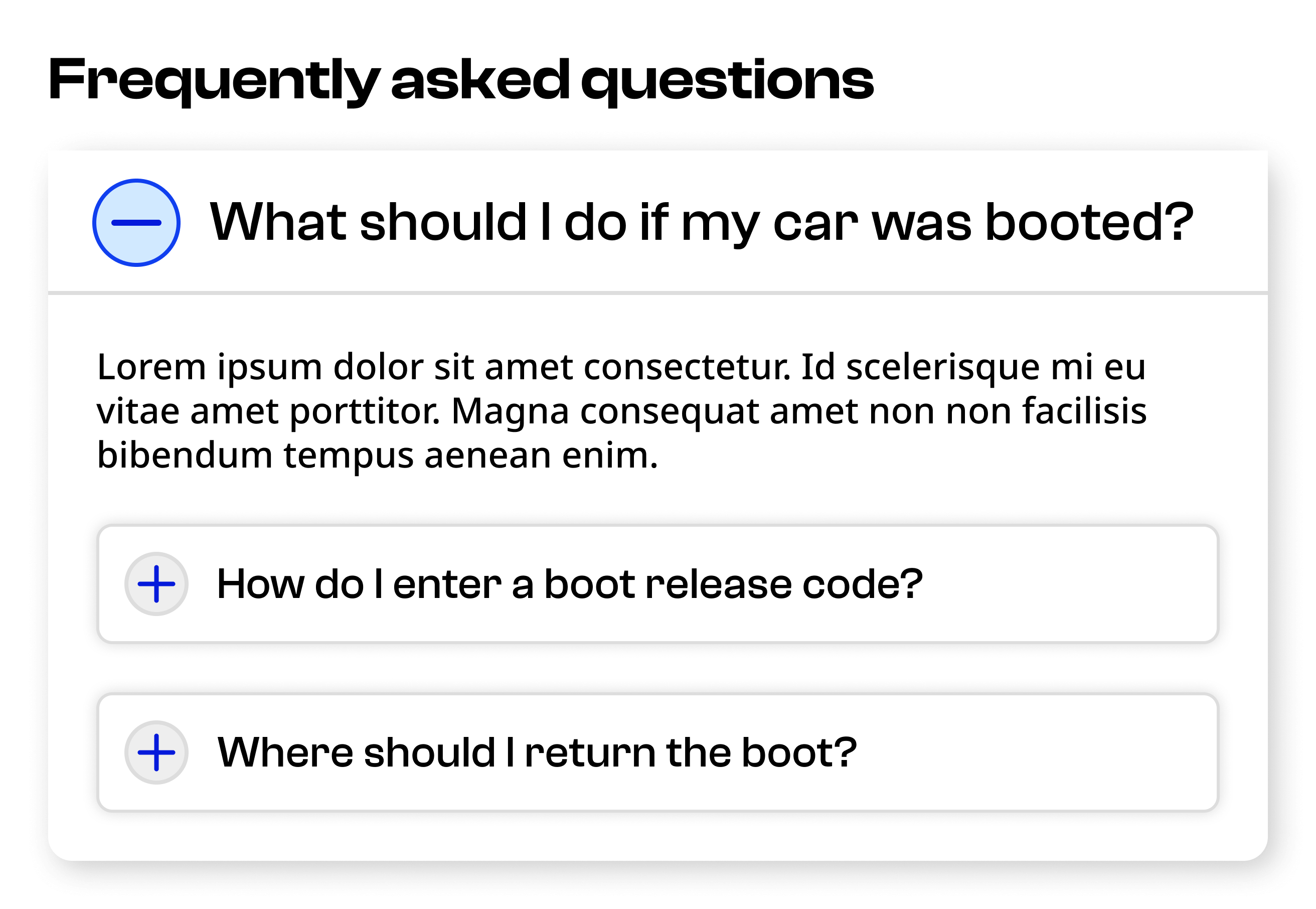
Never nest accordions within accordions.
Add an expand/collapse all component for a list of three accordions or more.
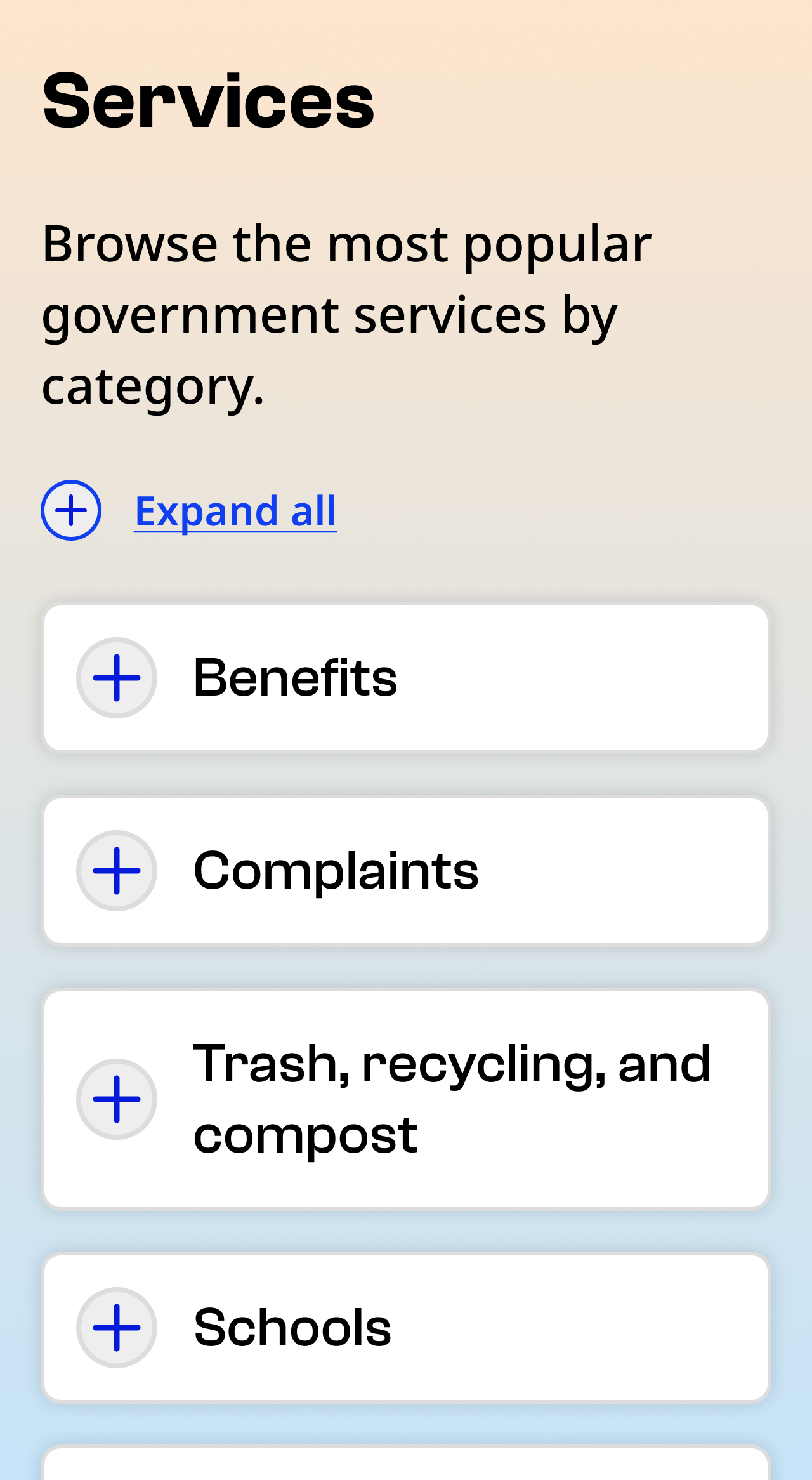
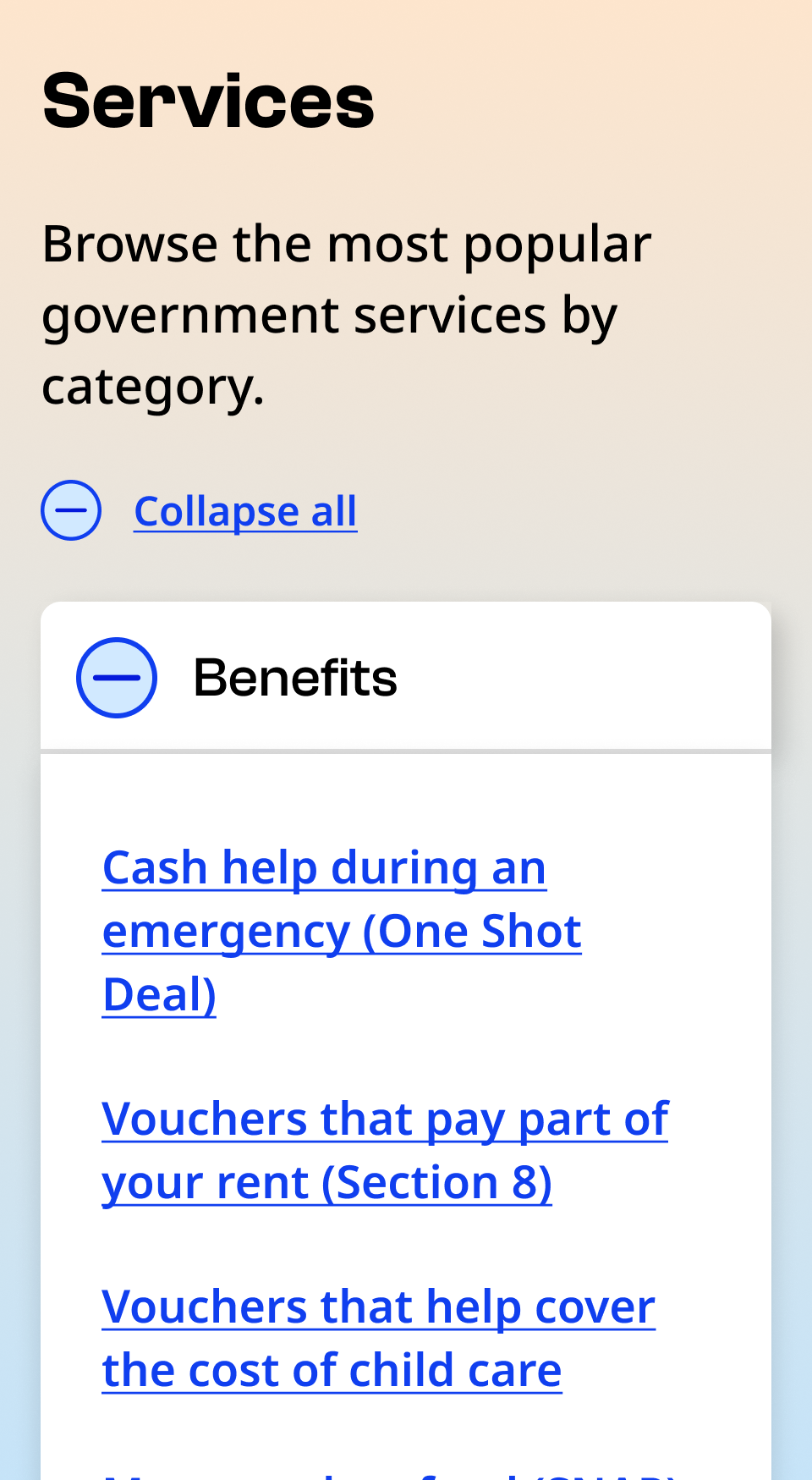
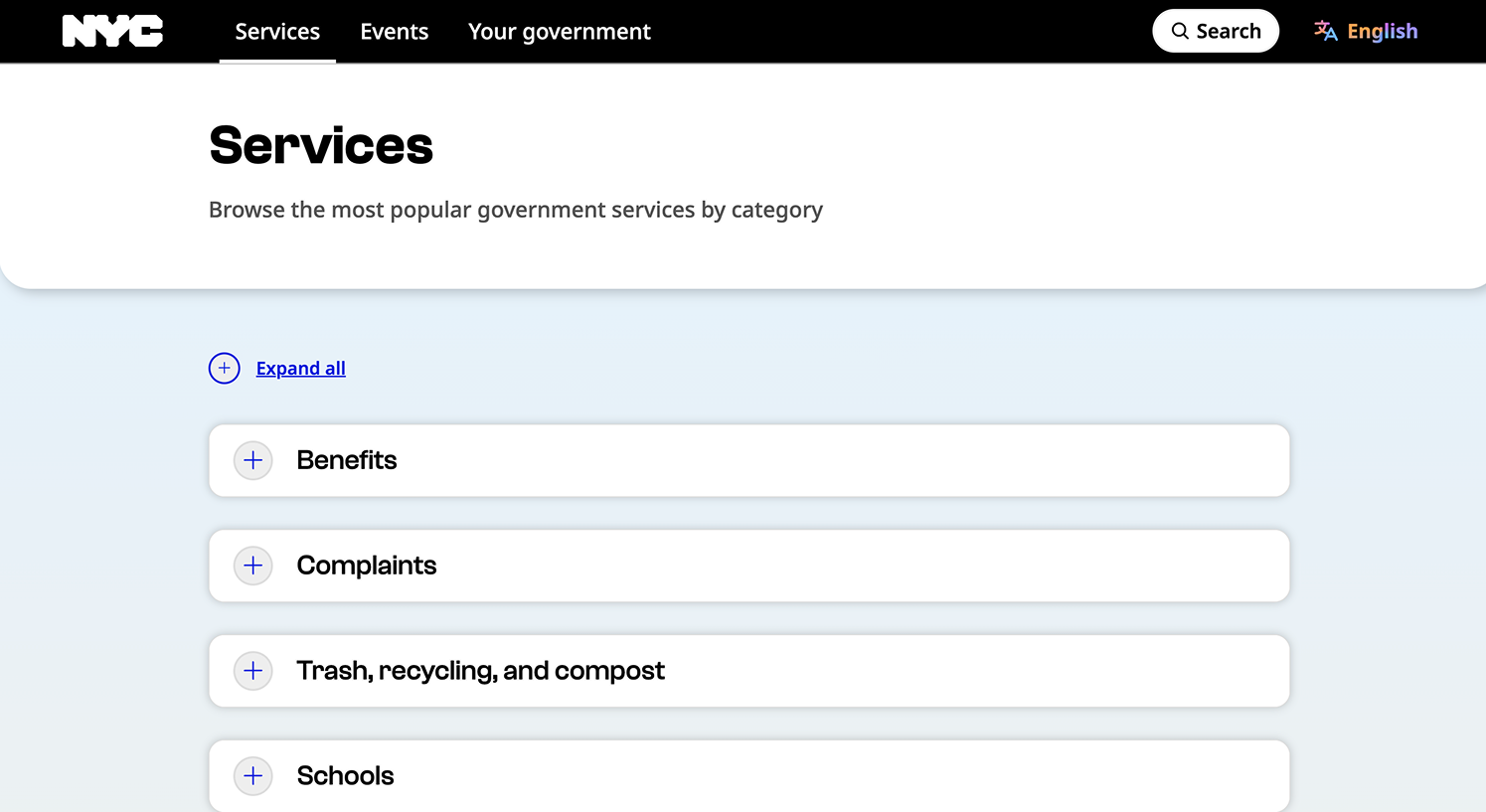
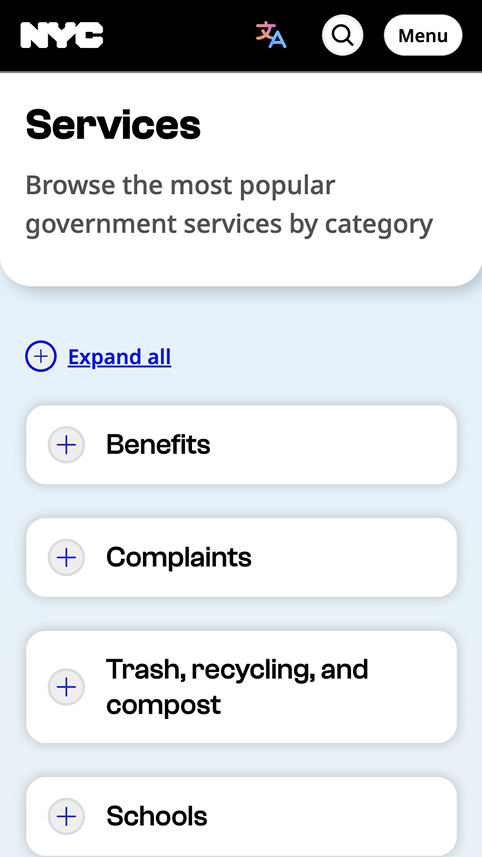
Accordions should always be closed by default so that users can scan all the options quickly and click on the one that’s most relevant to their needs.
Custom element
Accordions can be invoked via the nyc-accordion custom element. This will generate an accessible accordion markup structure and functionality when given a heading element as a first child; sibling elements will be added to the accordion panel. Whenever the same heading type is encountered a new accordion group will be created.
Taxes
Content about taxes
Fines
Parking tickets
Content about parking tickets
<nyc-accordion>
  <h4>Taxes</h4>
  <p>Content about taxes</p>
  <h4>Fines</h4>
  <p><strong>Parking tickets</strong></p>
  <p>Content about parking tickets</p>
</nyc-accordion>
Subheadings
Subheadings can be included by wrapping your heading tag and including a sibling.
Taxes
Learn about taxes
Content about taxes
<nyc-accordion>
  <article>
    <header>
      <h4>Taxes</h4>
      <p>Learn about taxes</p>
    </header>
    <p>Content about taxes</p>
  </article>
</nyc-accordion>
Expand all
Include a button to toggle all accordions with the data-expand-all-button attribute
Taxes
Content about taxes
Complaints
Make a complaint
Trash
Learn about trash pickup
<nyc-accordion data-expand-all-button>
  <h4>Taxes</h4>
  <p>Content about taxes</p>
  <h4>Complaints</h4>
  <p>Make a complaint</p>
  <h4>Trash</h4>
  <p>Learn about trash pickup</p>
</nyc-accordion>