Drop-down select
A drop-down select component allows users to choose one option from a drop-down menu. Use this component for lists of two to 15 items. For larger lists, see combo-box.
Overview
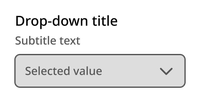
The component contains a title, optional subtitle, and drop-down container with up to 15 options.
Default
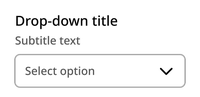
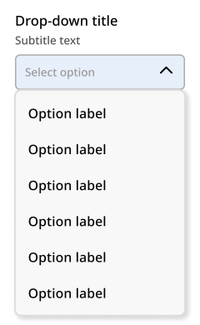
Opened
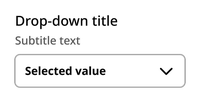
Selected
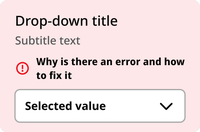
Error
Disabled
Usage context
When to use
Use the drop-down select component when the user is being asked to select just one item from a list of two to 15 items.
In general, favor drop-downs in contexts where space is limited. If you have space, use radio buttons for single-select experiences instead.
When to use something else
Don’t use the drop-down select component in the following situations:
- When there are only two options (use radio buttons instead)
- When the user is being asked to select one of a list of more than 15 options (use a combo-box instead)
- When the user is being asked to select more than one option from a list (use checkboxes instead)
Usage guidelines
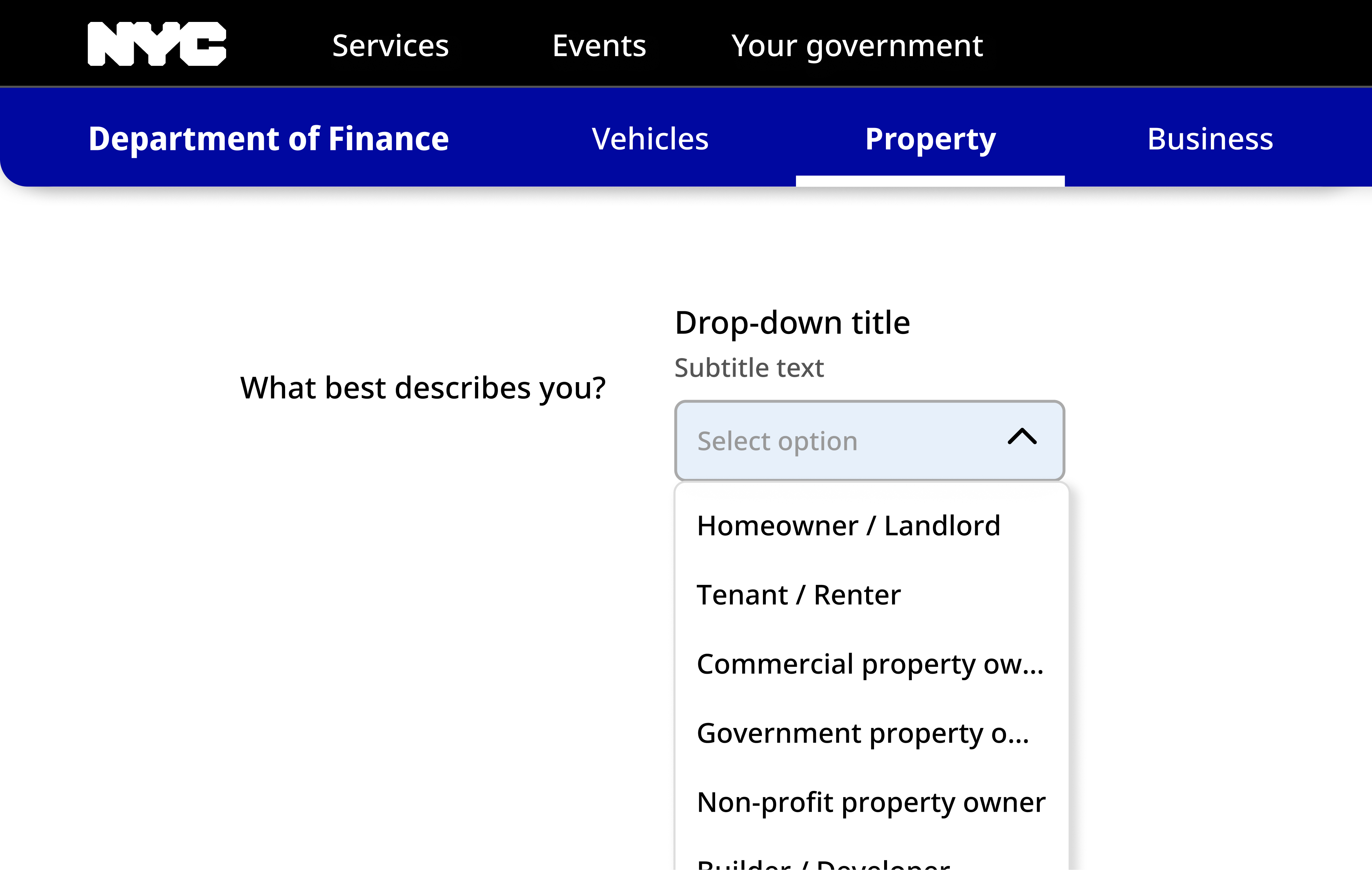
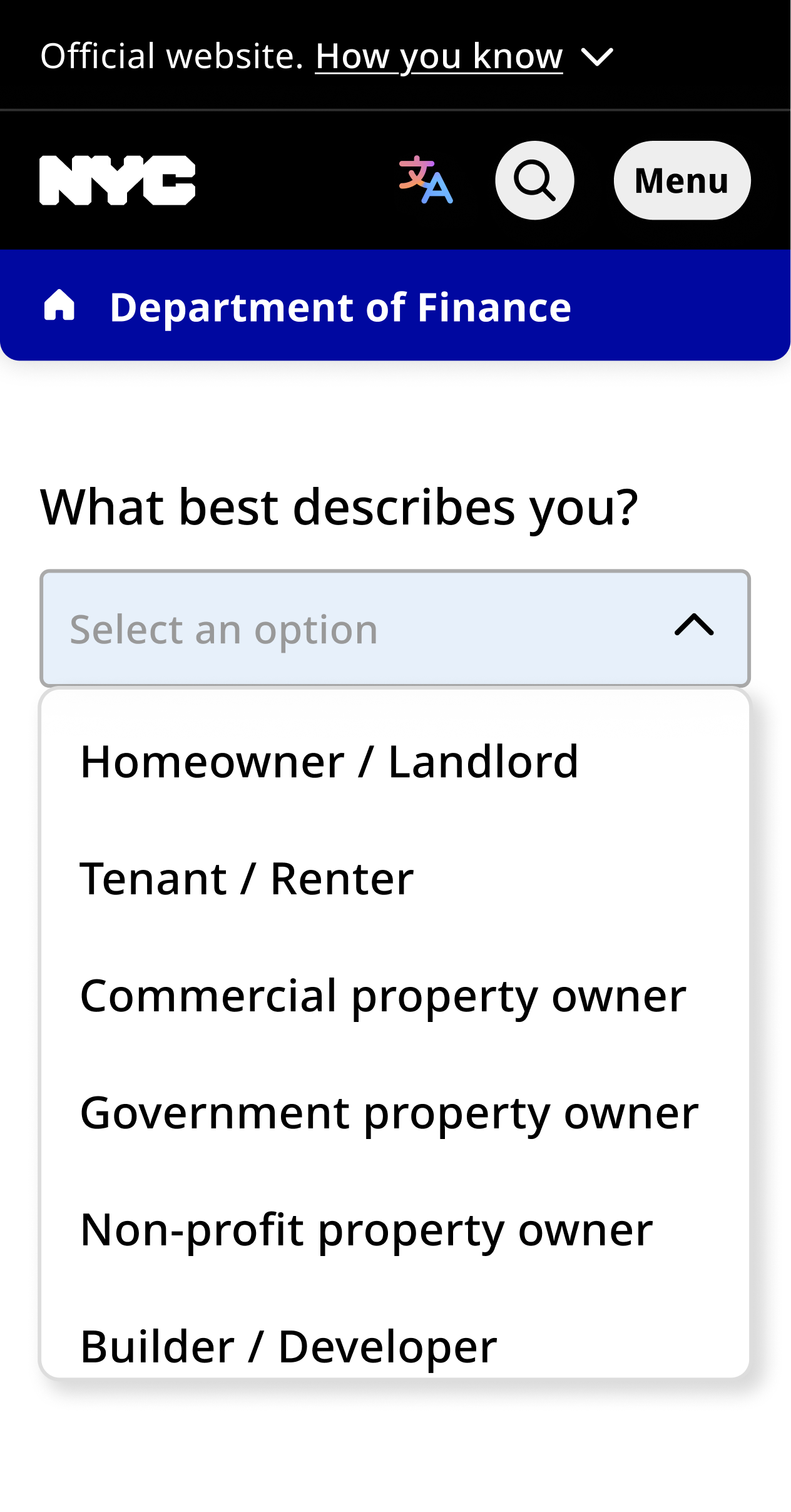
The list modal appears below the select field when the user clicks. Only six options are shown at once, regardless of screen size.
Drop-down select
The dropdown component can be utilized with an nyc-field class container, with the following items:
- Label element: This acts as the button
- Select input element: Contained within the label
- Subtitle element (optional):
.subtitle: Provides additional context for the dropdown. This should be placed between the label and select elements.
<form class="code-examples">

  <div class="nyc-field">
    <label for="example-default-select">Default Dropdown Label</label>
    <span class="subtitle">Subtitle text</span>
    <select id="example-default-select">
      <option value="">-- Select option --</option>
      <option value="1">Option 1</option>
      <option value="2">Option 2</option>
      <option value="3">Option 3</option>
      <option value="4">Option 4</option>
      <option value="5">Option 5</option>
      <option value="6">Option 6</option>
      <option value="7">Option 7</option>
    </select>
  </div>

  <div class="nyc-field nyc-field--error">
    <label for="example-error-select">Error Dropdown Label</label>
    <span class="subtitle">Subtitle text</span>
    <div class="error-message"><i class="i-ph:warning-circle-bold"></i>This field is required.</div>
    <select id="example-error-select">
      <option value="">-- Select option --</option>
      <option value="1">Option 1</option>
    </select>
  </div>

  <div class="nyc-field">
    <label for="example-disabled-select">Disabled Dropdown Label</label>
    <span class="subtitle">Subtitle text</span>
    <select id="example-disabled-select" disabled>
      <option value="">-- Disabled --</option>
    </select>
  </div>

</form>