Inline message
Inline messages are used to separate content from body text. They draw the eye to information that is particularly important or distinct.
Overview
The inline message component consists of a vertical black line, low-opacity white surface, and a text container.

Usage context
When to use
Use inline messages to separate certain text from the surrounding text. Only use inline messages following a string of body text.
Use cases include:
- Pull quotes
- Highlighting statistics or quick facts
- Redirecting users to other urgent courses of action, such as calling 911 in the event of an emergency
When to use something else
Don’t use inline messages in any of the following situations:
- As standalone components outside of body text
- As feedback that reacts to user inputs
Usage guidelines
Inline messages should always follow body text, and ideally should be sandwiched between passages of body text.
Expect inline messages to be read first by users who skim the page. Include enough context so that users aren’t confused.
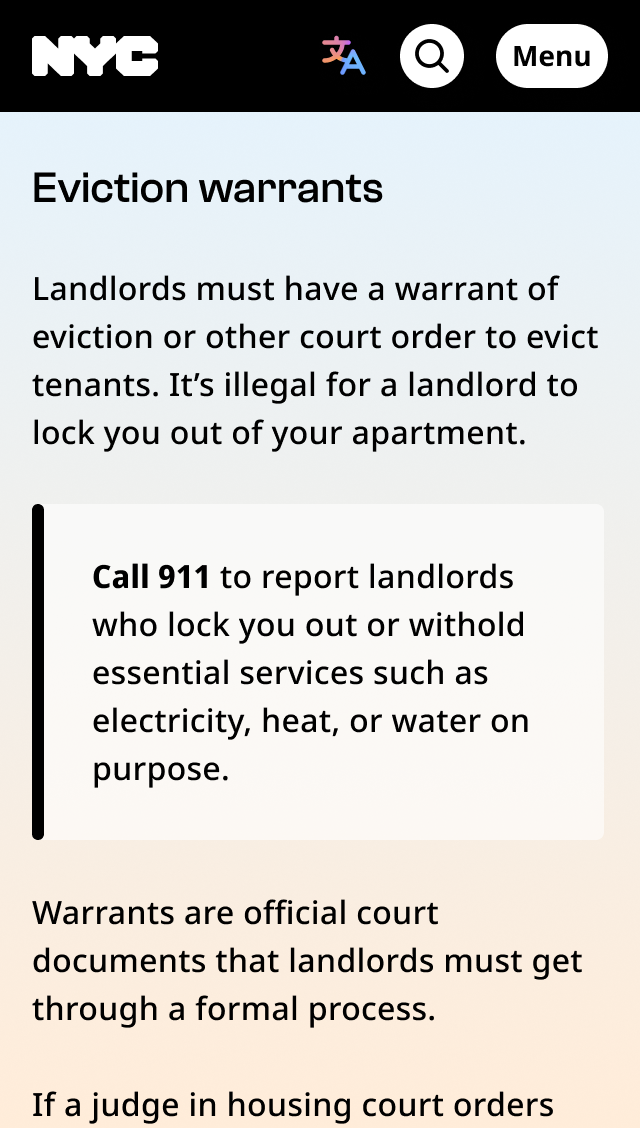
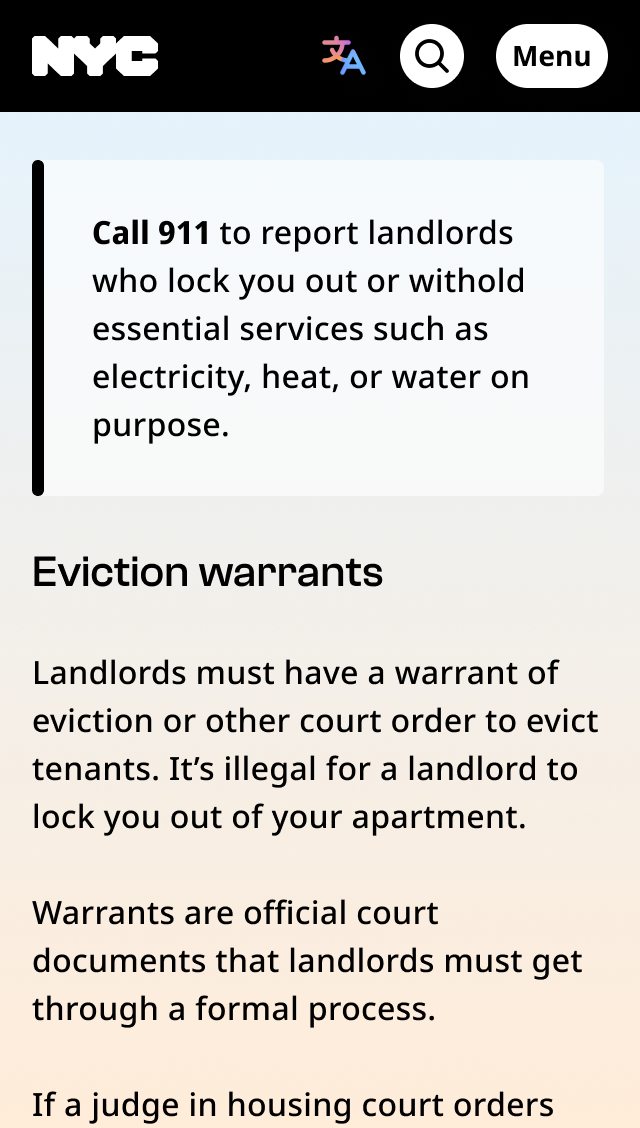
Inline message
Inline messages can be utilized by wrapping text with the .nyc-inline-message class
<div class="nyc-inline-message">
  Optional description text goes here.
</div>