Official website. How you know

Official websites use .gov

A .gov website belongs to an official government organization in the United States.

Secure .gov websites use HTTPS

A lock or https:// means you’ve safely connected to the .gov website. Share sensitive information only on official, secure websites.

Digital Design System

Spacing

Spacing is already defined in all components, patterns, and templates. In situations where spacing has not been clearly defined, refer to the usage guidelines here.

Group by similarity

When spacing elements on a page, those that are closer together are assumed to be related.

  • Spacing within sections should be tighter, while spacing between different sections should be larger to help users differentiate them.
  • Spacing between related components and content should be tighter to connect them.
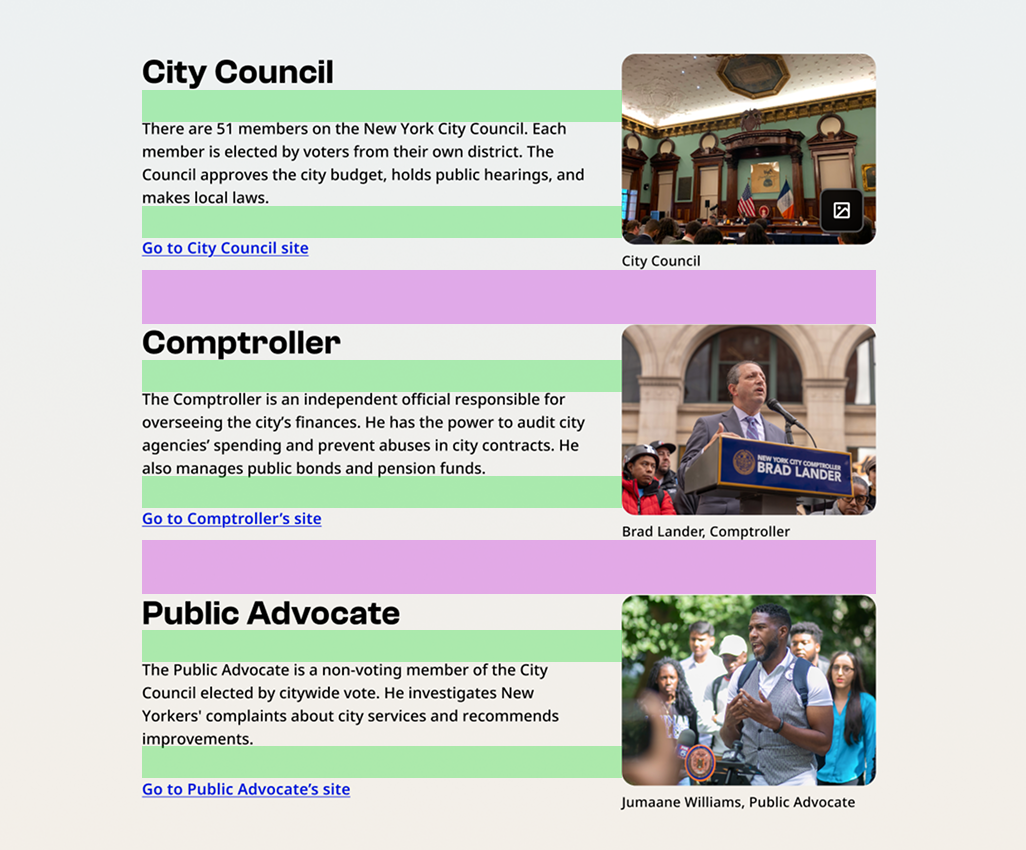
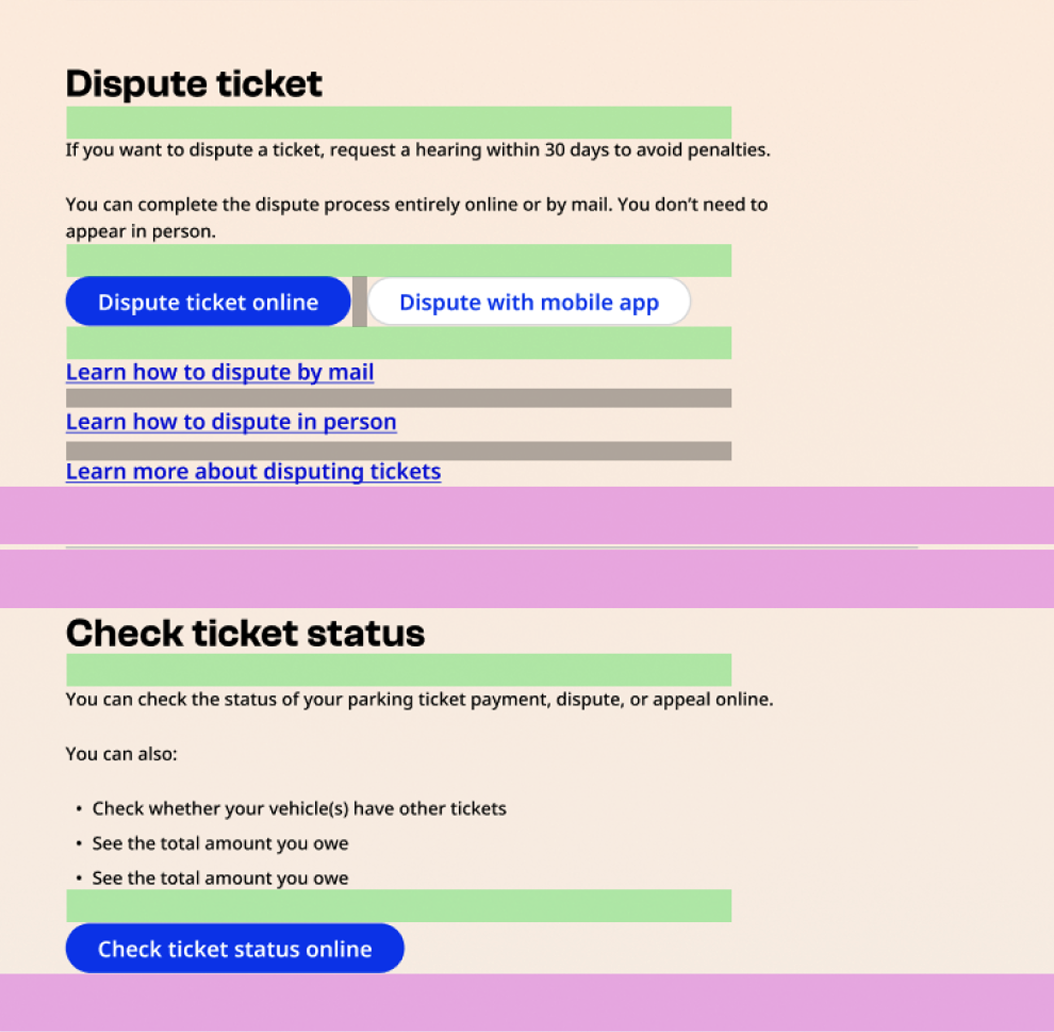
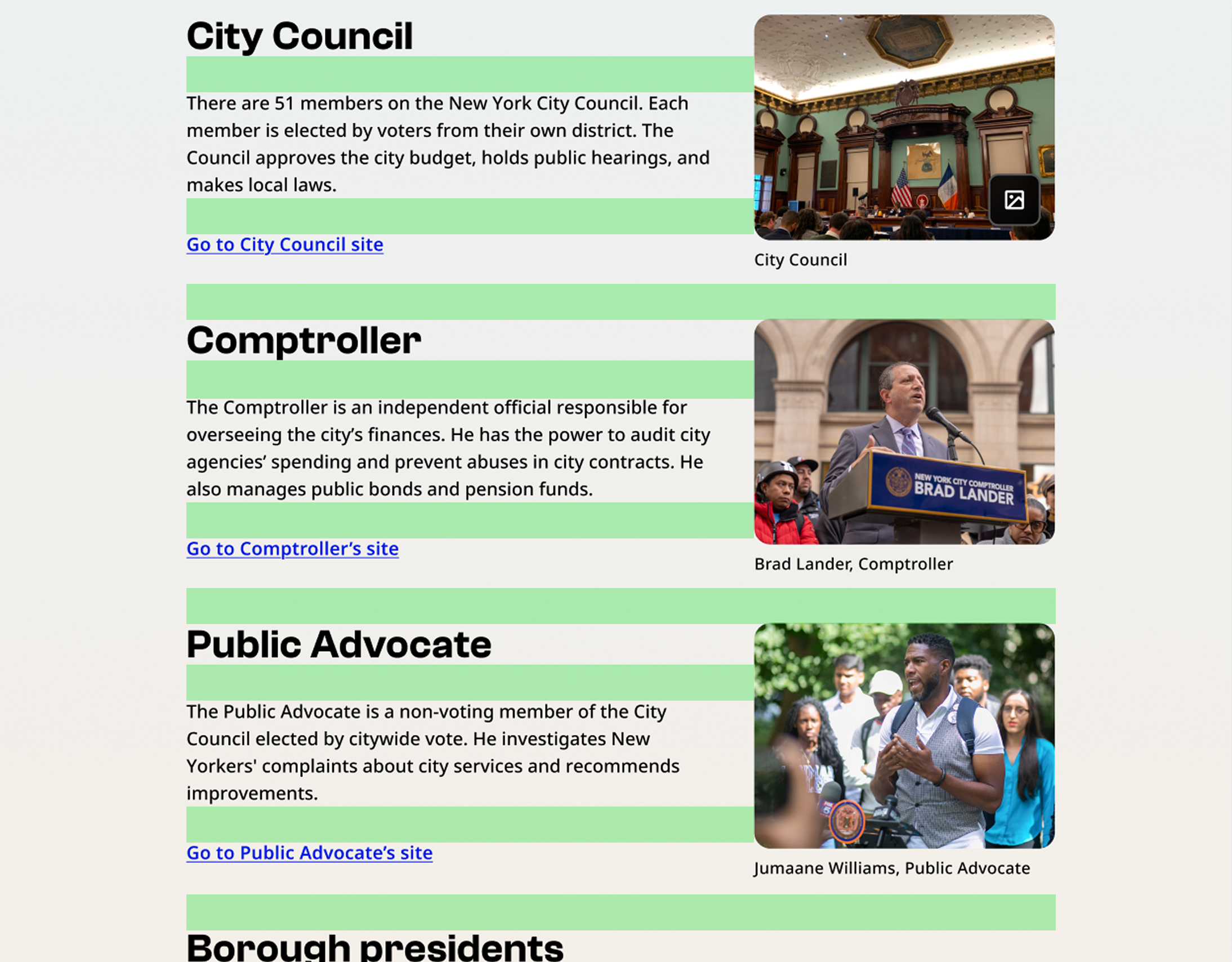
Desktop nyc.gov screenshot of a page about local government. Green bars are added to show short spacing distance and purple bars are added to show large spacing distance. Items in the same section, such as the header "City Council," its description, and the link "Go to City Council site" are closer together than the space between sections, such as the bottom of the City Council area and the top of the Comptroller area.Desktop nyc.gov screenshot of a page about parking tickets. Green bars are added to show short spacing distance and purple bars are added to show large spacing distance. Items in the same section, such as the header "Dispute ticket," its description, and related buttons and links are closer together than the space between sections.


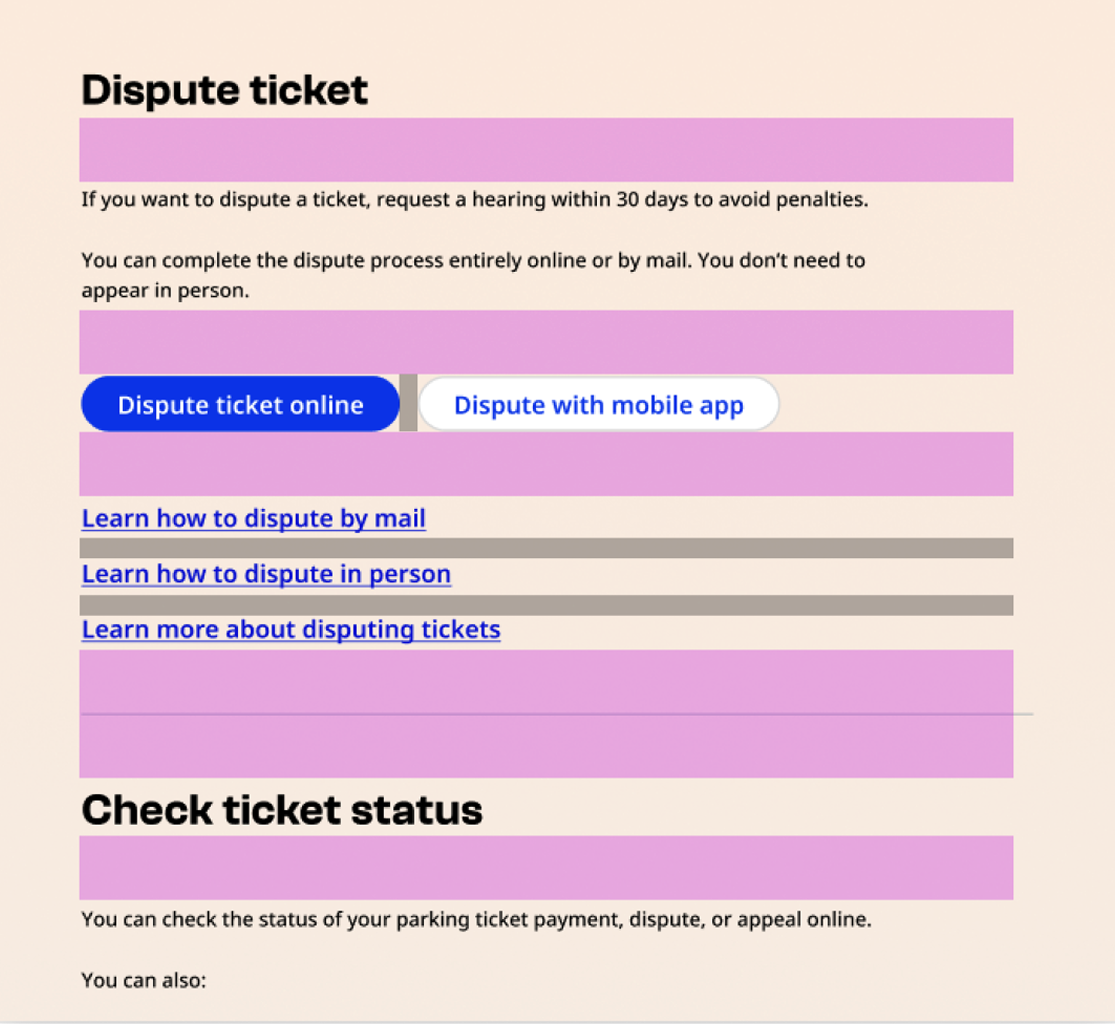
Desktop nyc.gov screenshot of a page about local government. The example shows incorrect spacing. All of the spacing is represented by green bars showing short distances. The space between elements within a section and between different sections is the same.Desktop nyc.gov screenshot of a page about parking tickets. The example shows incorrect spacing. Purple bars are added to large spacing distance. The space between elements within a section and between different sections is the same.

Spacing between content

Desktop

Value (px)GuidanceExample
8Between a caption and its paired content (image or text), or between list items with icons


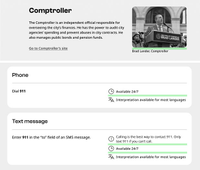
Black and white screenshots showing examples of 8px spacing on desktop. The first example highlights the area between a photo of the Comptroller and the caption showing his name and title. The second example highlights the space between a list with icons, list items include a clock icon accompanied by "Available 24/7" and a translation icon accompanied by "Interpretation available for most languages."

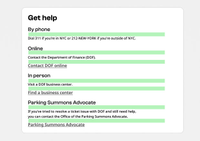
16Within a section, between headings H3/H4 and the following text or components (such as buttons or standalone links)Black and white screenshot showing examples of 16px spacing on desktop. The example is a "Get help" section. The example highlights the space between the H3 headings and subsequent body content, and between body content and standalone links. For example, the H3 "Online," the description "Contact the Department of Finance (DOF)," and the link "Contact DOF online."
24Between components displayed in a list or grid

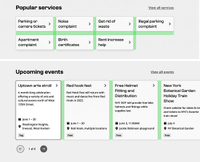
Black and white screenshot showing examples of 24px spacing on desktop. The examples highlight the spaces between link cards in a "Popular services" section and between event cards in an "Upcoming events" section.


32Within a section, between H2 and any following content or subsections (such as H3, H4, body copy).Black and white screenshot showing examples of 32px spacing on desktop. The example highlights the space between headings and body text, such as between the heading "Comptroller" and the text "The comptroller is an independent official..."
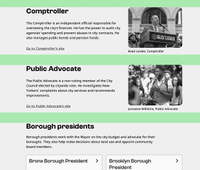
64Spacing between sectionsBlack and white screenshot showing examples of 64px spacing on desktop. The example highlights the space between the bottom of one content area and the top of the next, such as between the Comptroller section and the Public advocate section.


Mobile

Value (px)GuidanceExample
8Between a caption and its paired content (image or text), or between list items with icons

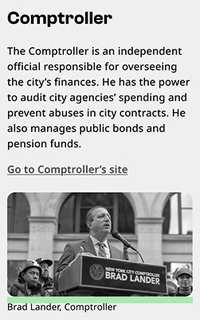
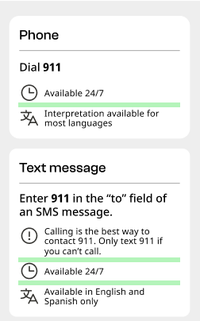
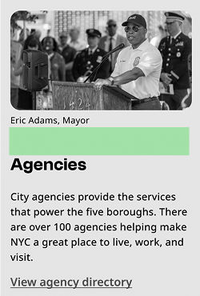
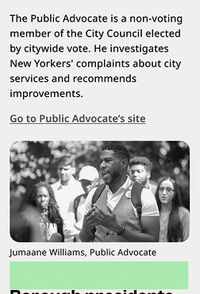
Black and white screenshot showing example of 8px spacing on mobile. The example highlights the area between a photo of the Comptroller and the caption showing his name and title.Black and white screenshot showing example of 8px spacing on mobile. The example highlights the area between items in a list with icons, list items include a clock icon accompanied by "Available 24/7" and a translation icon accompanied by "Interpretation available for most languages."

16Within a section, between headings H3/H4 and the following text or components (such as buttons or standalone links)

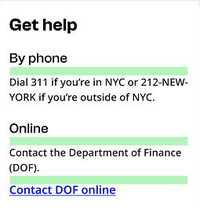
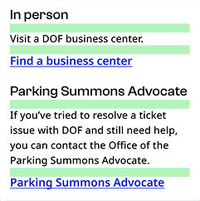
Black and white screenshot showing examples of 16px spacing on mobile. The example is a "Get help" section. The example highlights the space between the H3 headings and subsequent body content, and between body content and standalone links. For example, the H3 "Online," the description "Contact the Department of Finance (DOF)," and the link "Contact DOF online."

24Between components displayed in a list or grid

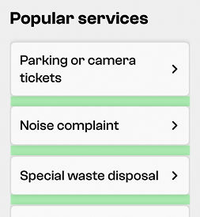
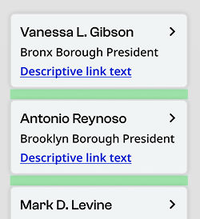
Black and white screenshot showing example of 24px spacing on mobile. The example highlights the spaces between link cards in a "Popular services" section.

32Within a section, between H2 and any following content or subsections (such as H3, H4, body copy).

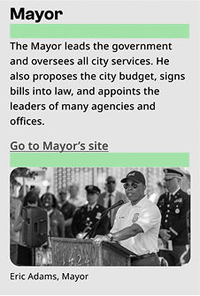
Black and white screenshot showing example of 32px spacing on mobile. The example highlights the space between headings and body text, such as between the heading "Mayor" and the text "The mayor leads the government..."

64Spacing between sections

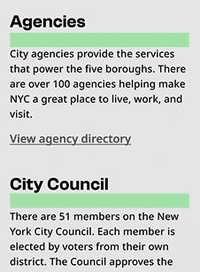
Black and white screenshot showing example of 64px spacing on mobile. The example highlights the space between the bottom of one content area and the top of the next, such as between the Mayor section and the Agencies section.