Breadcrumb
Breadcrumbs help users understand where they are on a website. They also let users quickly navigate to the previous page without using the menu.
Overview
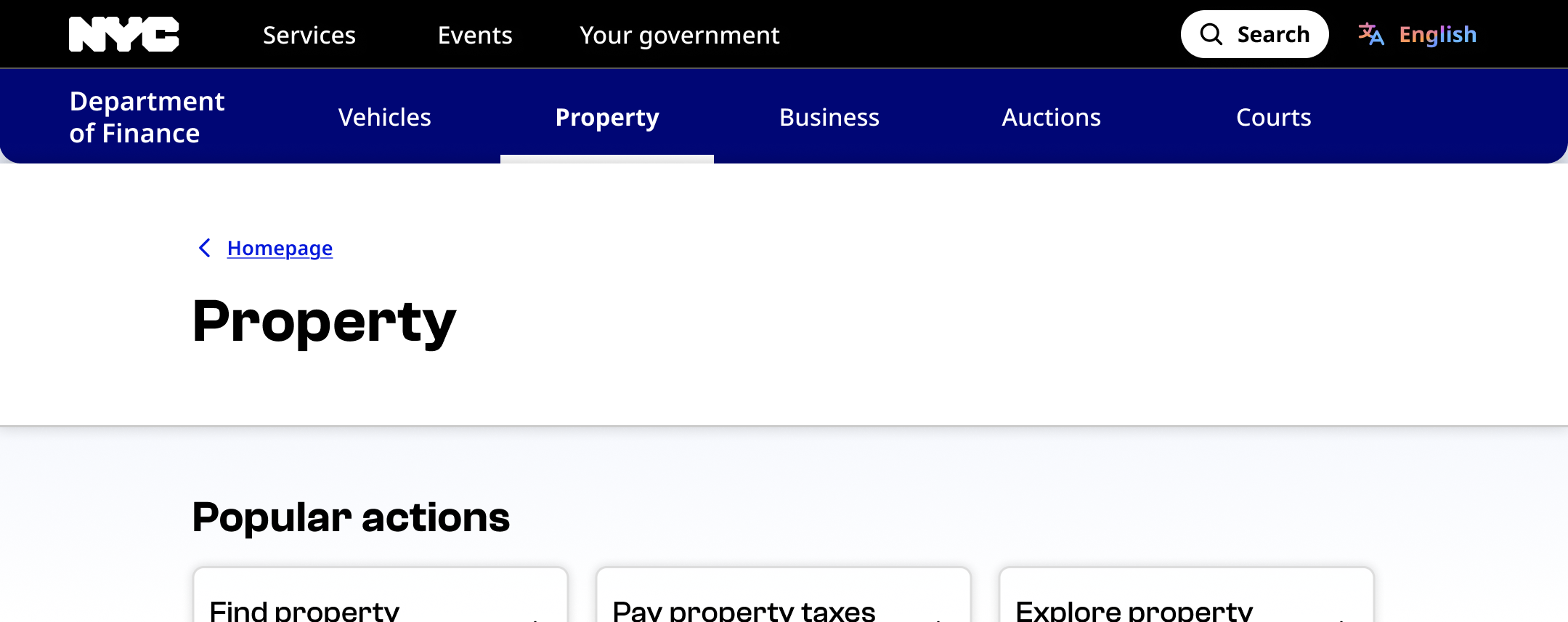
We use a single breadcrumb that lets the user navigate to the previous page in the site structure. We never use multiple breadcrumbs. The breadcrumb always includes the left-facing arrow.
Default

Hover

Focus

Usage context
When to use
Use breadcrumbs in any situation where navigating back and forth through content would be useful, and where the relationship between parent and child pages is clearly defined. For example:
- Informational pages about specific topics. Include a breadcrumb to the page about the broader topic. (For example, "Parking ticket payment plans" has a breadcrumb back to "Parking or camera tickets").
- Individual entries in a database or resource library. Include a breadcrumb to the library itself. (For example, "Yoga in the park" has a breadcrumb back to "Events").
When to use something else
Avoid breadcrumbs when content is not hierarchically organized, or when navigating back and forth would be confusing or redundant, such as:
- Landing pages with no parent page (such as an agency site homepage)
- Pages represented by an item in the main menu (the breadcrumb is redundant with the main menu)
- Simple sites with 10 or fewer pages
- Step-by-step processes that a user accomplishes linearly
- Sites with complex structures where the same content may appear in multiple paths
Usage guidelines
Place breadcrumbs at the very top of the page below the navigation menu. Breadcrumbs should always be above the H1 heading.
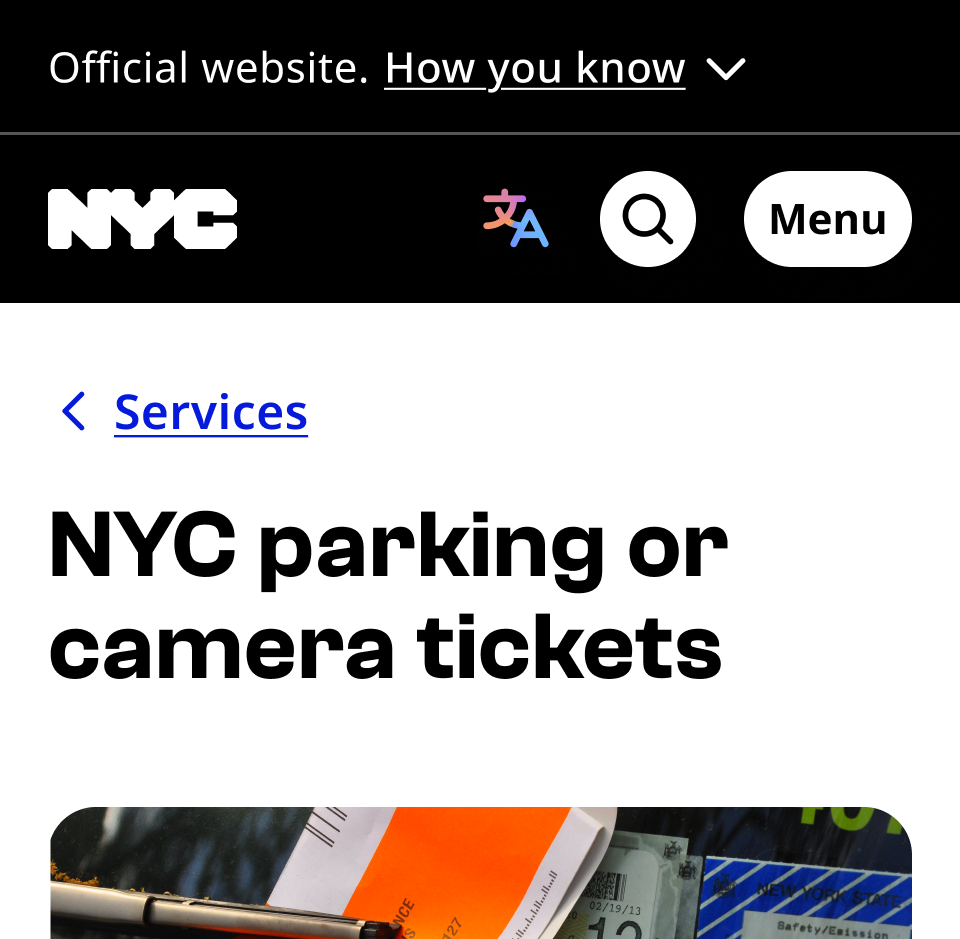
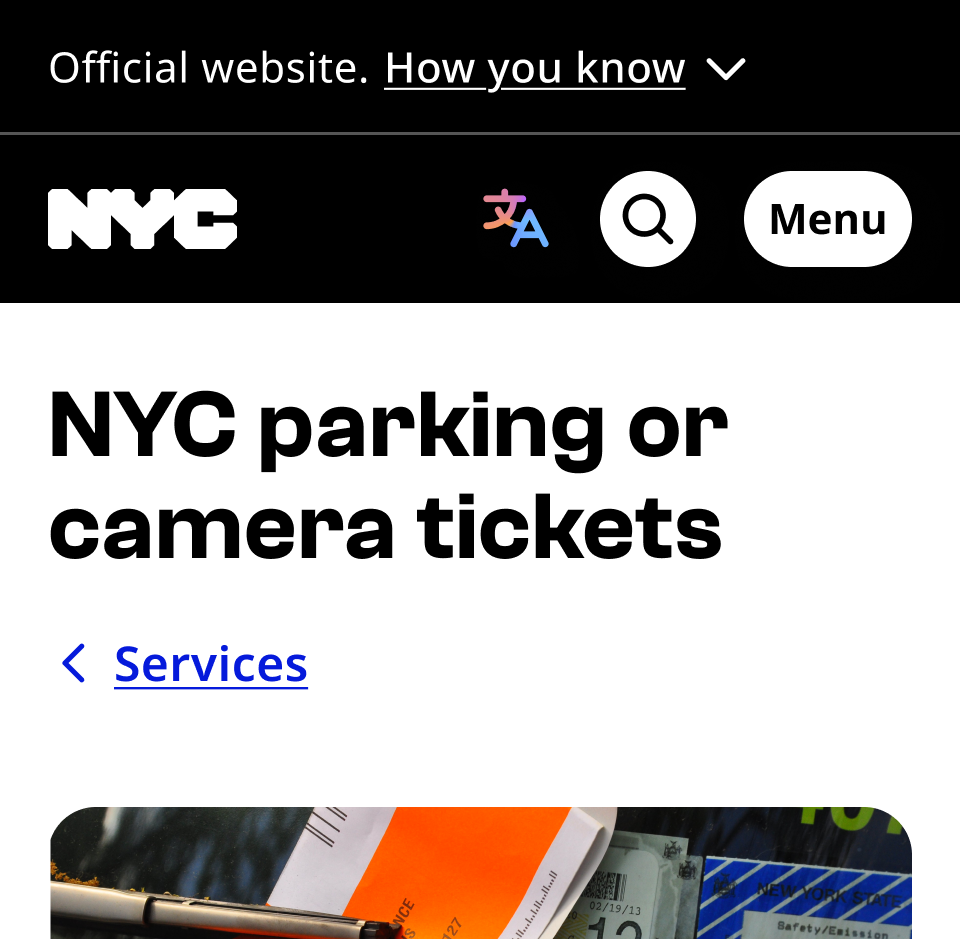
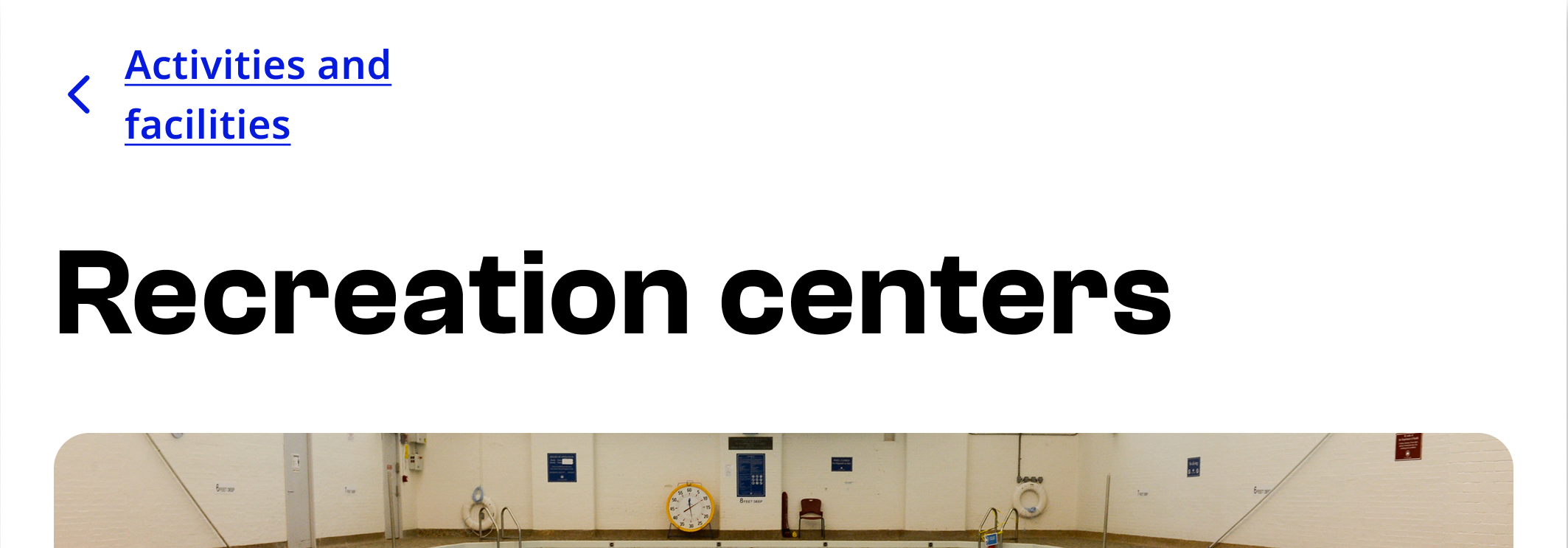
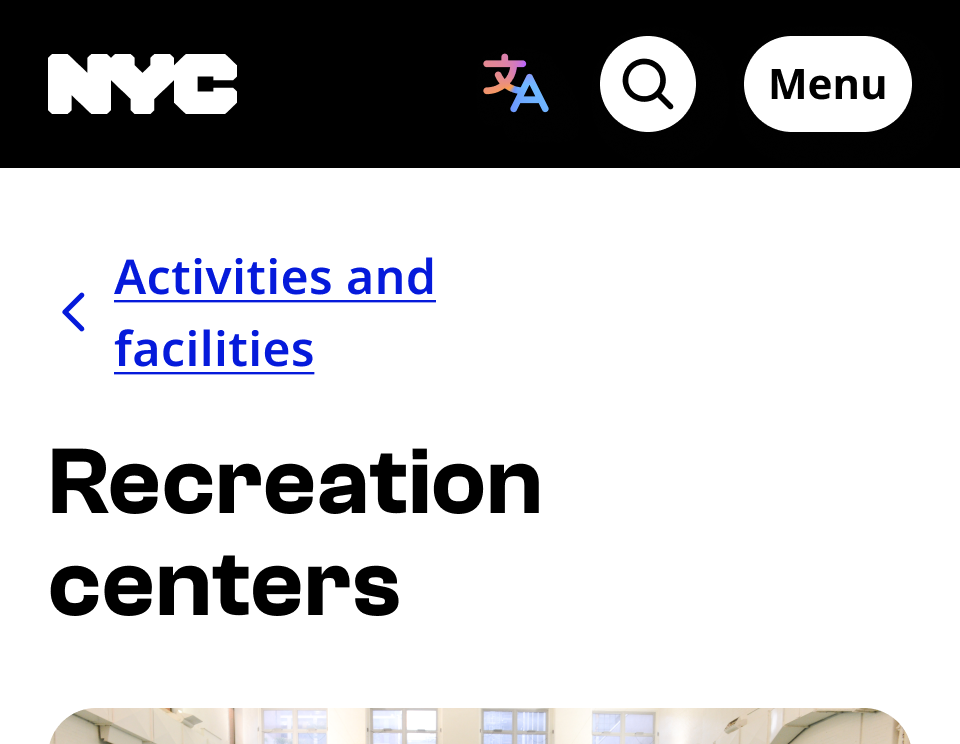
Never wrap breadcrumbs onto two lines.
Don’t include breadcrumbs on your homepage or any page represented by a main menu item. The breadcrumb should never lead to the homepage. If the page has no clear parent page, do not use a breadcrumb.
Breadcrumb
The breadcrumb component can be utilized by using the following structure:
nav.nyc-breadcrumb[aria-label="Breadcrumb"]ol.nyc-breadcrumb__listli.nyc-breadcrumb__itema
Even though the NYC Design System standard is to only display the link to the immediate parent, the list structure and attributes are for accessibility and SEO best practices.
<nav id="breadcrumb" class="nyc-breadcrumb" aria-label="Breadcrumb" rule="navigation">
  <ol class="nyc-breadcrumb__list" itemscope itemtype="http://schema.org/BreadcrumbList">
    <li class="nyc-breadcrumb__item" itemprop="itemListElement" itemscope itemtype="http://schema.org/ListItem">
      <a class="nyc-breadcrumb__item-link" href="/main/services">Default</a>
    </li>
  </ol>
</nav>